Your iPhone is now
your M bank card.

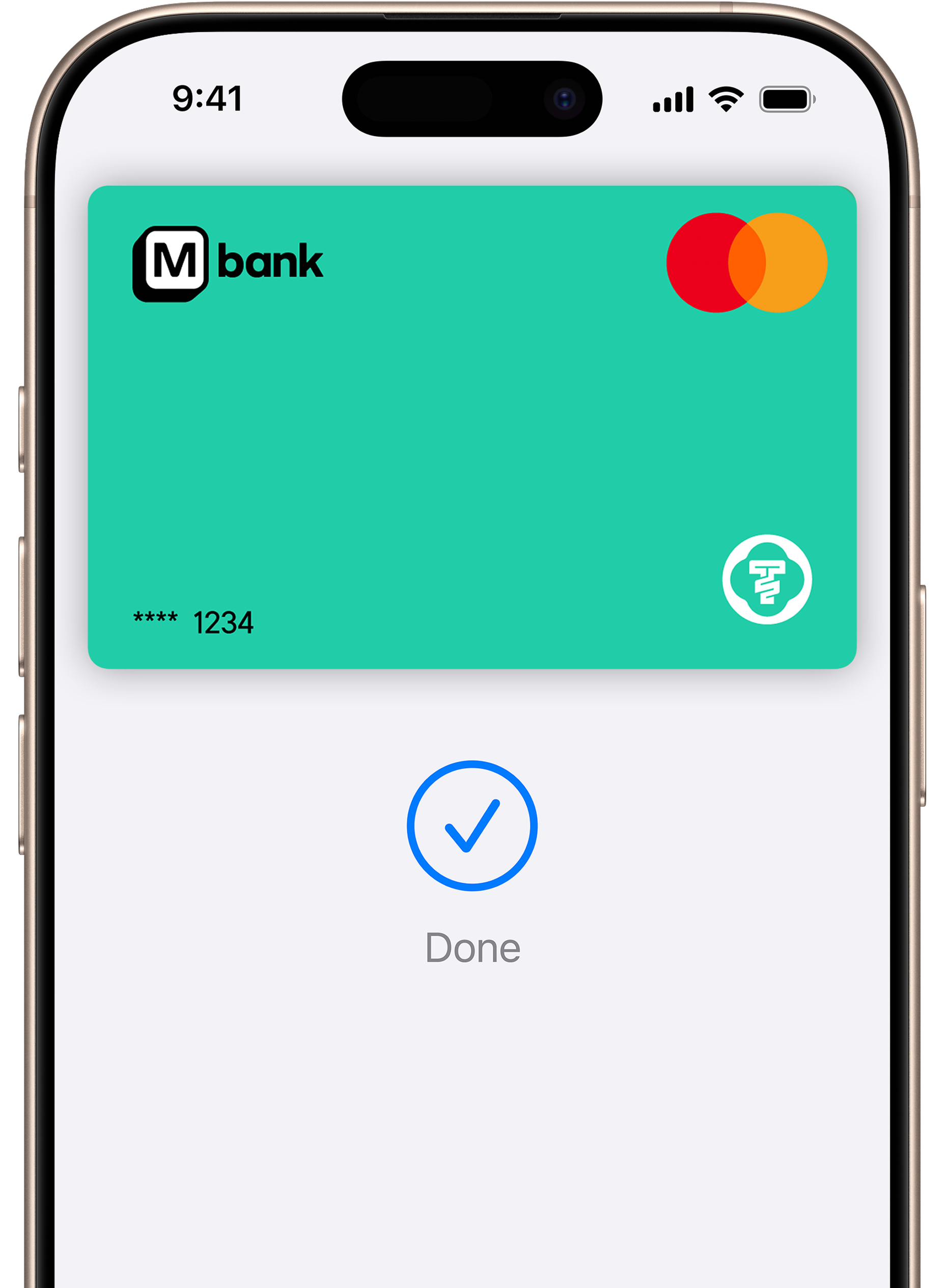

Paying is easy. And fast.Paying is easy.And fast.
With Apple Pay, you can pay quickly and easily with your M bank card right from your iPhone or Apple Watch.
Made to be secure.Made to besecure.
Apple Pay uses the security features built into your Apple device, including Face ID and Touch ID—which are designed so only you can authorize payments.
On all your Apple devices.On all your Apple devices.
Apple Pay makes it easy to pay with your M bank card on your iPhone, Apple Watch, Mac, iPad, and Apple Vision Pro.
Double-click. Face ID. Tap.
To pay in store, double-click the side button from your locked iPhone screen or while using any app. Then authenticate with Face ID, Touch ID, or your passcode, and hold your device near the reader. Done.
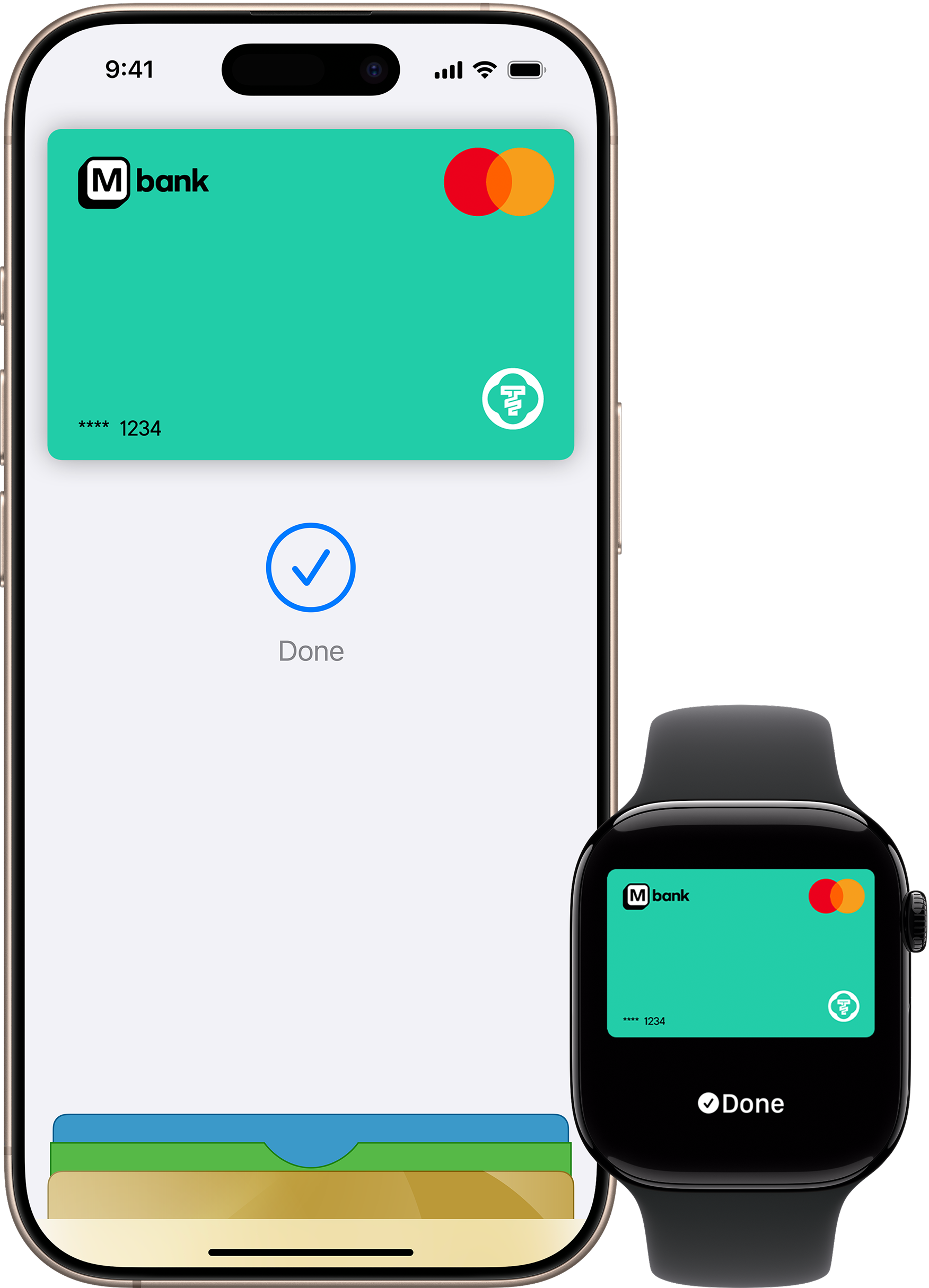
Add your M bank card in seconds
To add a card, open Apple Wallet on your iPhone, Apple Watch, or Apple Vision Pro or select Wallet > Apple Pay in System Preferences on your iPad or Mac. To get started on your M bank app, open the app and follow the instructions.
Where to use
Apple Pay is accepted by millions of merchants around the world—in person, online, or in apps. To use Apple Pay to pay with your M bank card, simply look for Apple Pay or the Contactless symbol at checkout.


The following M Bank cards are eligible to Apple Pay
M basic card - M bank application.
Frequently asked questions

© 2025 M Bank. All Rights Reserved.